

Imagine slipping on a headset and instantly being transported to a world where your biggest worries are dodging flying dragons or mastering the art of virtual cooking without burning your digital soufflé. That’s the magic of virtual reality, and setting it up is your ticket to an adventure like no other.
Overview of Virtual Reality Setup
Setting up a virtual reality system involves several essential components. Users must first select the hardware, which includes a VR headset, compatible sensors, and controllers. Popular headsets include the Oculus Quest 2, HTC Vive, and Valve Index, each offering distinct features and performance levels.
Next, the space for VR needs preparation. A designated area should measure at least 6.5 feet by 6.5 feet to allow for safe movement. Users should clear obstacles and ensure ample room for immersive experiences.
Software installation follows hardware setup. Each VR headset typically requires specific applications or games, accessible through platforms like SteamVR or the Oculus Store. Users can download and install their chosen software, often aided by guided steps directly from the headset interface.
Calibration is a crucial step in the VR setup. Properly calibrating the headset and sensors ensures accurate tracking. Users should follow the on-screen instructions to align their play space and confirm their standing or seated setup.
Internet connectivity is another important factor. A stable, high-speed internet connection enhances online experiences and updates for applications. Users should connect their devices to Wi-Fi and verify their connection for smooth performance.
Lastly, maintaining a clean and organized setup proves beneficial. Regularly updating software and keeping devices charged ensures the longevity of the VR system. Users should also check battery levels and clean lenses to safeguard the visual experience.
By prioritizing these elements, individuals can fully enjoy the immersive adventures that virtual reality offers.
Key Components of a Virtual Reality Setup
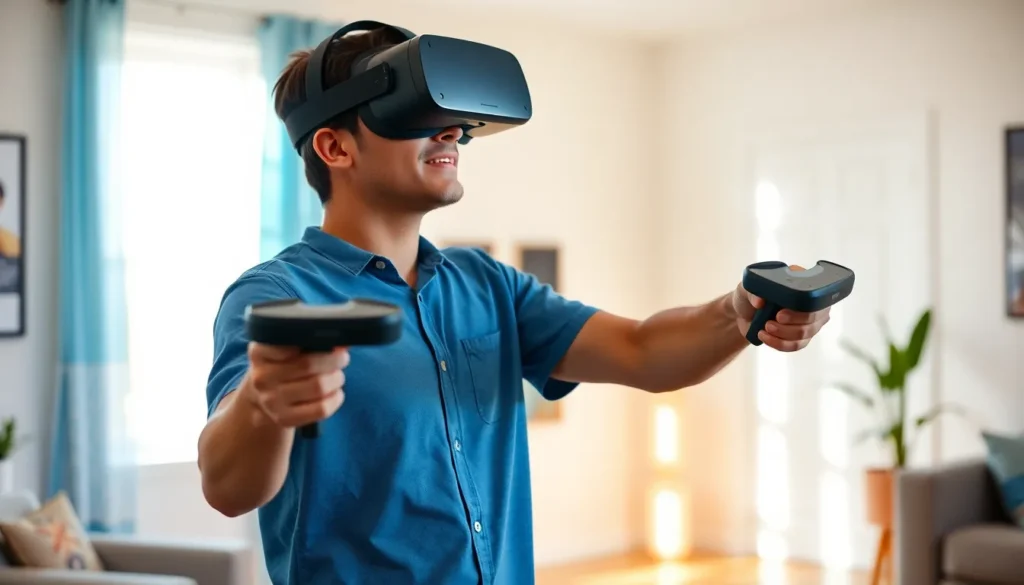
A comprehensive virtual reality setup requires a few essential components for an immersive experience.
Headset Options
Options for VR headsets vary significantly. Popular choices include the Oculus Quest 2, the HTC Vive, and the Valve Index. Each headset offers unique features, such as display resolution, field of view, and refresh rate. Users prefer the Oculus Quest 2 for its standalone functionality. On the other hand, the HTC Vive is lauded for its room-scale VR capabilities. Valve Index stands out for its advanced tracking and comfortable fit. These choices provide flexibility, allowing users to select a headset that best fits their needs.
Controller Types
Controllers play a crucial role in the VR experience. Various types exist, including handheld controllers, motion controllers, and glove-style controllers. Handheld controllers, like those from Oculus, provide intuitive interaction with VR environments. Motion controllers enhance immersion by enabling gesture-based controls. Glove-style controllers introduce precise finger tracking, allowing users to manipulate objects with finesse. Assessing the available controller types helps users determine which will suit their VR activities best.
Tracking Systems
Tracking systems are vital for achieving accurate motion detection. Several systems are available, including external sensor-based and inside-out tracking options. External sensor-based setups, such as those from HTC Vive, use cameras placed around the play area to track movements. Inside-out tracking, featured in devices like the Oculus Quest 2, utilizes cameras on the headset to detect the environment. Users often find inside-out tracking more convenient due to its simplicity and reduced setup effort. Prioritizing reliable tracking systems leads to a smoother VR experience.
Setting Up Your Virtual Reality Environment
Establishing a virtual reality environment requires attention to both space and hardware. Each aspect contributes significantly to the immersive experience.
Space Requirements
Designate a play area measuring at least 6.5 feet by 6.5 feet. This space accommodates safe movement while engaging in virtual activities. Ensure the area is free from obstacles that could lead to accidents. Clear out furniture and other items that might interfere with physical engagement. Selecting a room with ample lighting enhances sensor detection. Keeping the floor free of clutter adds to safety and comfort during gameplay.
Hardware Requirements
Choose the right hardware for a seamless virtual reality experience. Popular VR headsets, including the Oculus Quest 2, HTC Vive, and Valve Index, come with different features. Each headset offers unique display resolutions and tracking capabilities suited to various preferences. In addition, utilize controllers that enhance interaction within the virtual environment. Handheld and motion controllers deliver different levels of engagement. Reliable tracking systems also play a critical role, favoring inside-out tracking for user-friendly setup. Prioritizing a stable VR setup enhances enjoyment and immersion.
Software Considerations for Virtual Reality
Selecting appropriate software is crucial for a successful virtual reality experience. Various operating systems support VR applications, impacting compatibility and performance.
Operating Systems
Windows offers the most extensive support for virtual reality hardware and software. Many VR applications, including popular games, run primarily on this platform. macOS provides limited support, making it less suitable for VR setups. Linux users can find community-driven support; however, options may be sparse compared to Windows. Ensure the chosen operating system aligns with the selected hardware for optimal performance.
Recommended Applications
SteamVR serves as a comprehensive platform hosting a wide range of VR titles, allowing seamless integration with numerous headsets. Oculus Store features applications tailored specifically for Oculus devices, ensuring access to exclusive content. Other notable applications include VRChat and Rec Room, emphasizing social interaction in immersive environments. Games like Beat Saber and Half-Life: Alyx showcase the potential of virtual reality in gaming. Selecting applications based on interests enhances the overall VR experience.
Best Practices for an Optimal Experience
Creating an enjoyable virtual reality experience involves attention to safety and regular maintenance.
Safety Tips
Establish barriers around the play area to prevent collisions. Using a safety tether when playing with mobile VR headsets offers an additional layer of security. Avoid using VR while under the influence of alcohol or drugs, as this can impair judgment. Ensuring that pets and children are kept away during gameplay helps maintain focus. Wear comfortable clothing and avoid long accessories that may get caught on equipment. Eye strain can occur with excessive use, so taking regular breaks is crucial for comfort and safety.
Maintenance and Troubleshooting
Regularly check for software updates to keep the VR system running smoothly. Cleaning the headset’s lenses frequently ensures clarity and optimal visual quality during use. If a headset fails to track properly, recalibrating the sensors may resolve the issue. Rebooting the VR system can often fix minor stability problems. Storing the equipment in a cool, dry place contributes to the longevity of the hardware. Proper cable management prevents tangling and reduces the risk of damage during use.
Setting up a virtual reality system opens the door to unparalleled immersive experiences. With the right hardware and a well-prepared play area users can fully engage in thrilling adventures. Choosing compatible software and maintaining a clean setup are vital for maximizing enjoyment.
Safety should always be a priority ensuring that users take regular breaks and stay aware of their surroundings. By following best practices and keeping up with maintenance users can enjoy a seamless virtual reality experience. Embracing this technology not only enhances entertainment but also offers unique opportunities for creativity and learning.


